


Working on to get Openmamba to work whit WSL and thats is done.
How do a add a user... This is not working...
adduser adolf
passwd adolf
and how do i install kde 6 via terminal ?
Rest i think i will fix =)
Regards,
Mattias Vinberg

Hello,
the command to add a user in openmamba is useradd. See also man useradd.
You need to install KDE Plasma 6 because you used rootfs-base for the installation`? The command is:
sudo dnf install desktop-base-kde
If you need the graphical login manager also sudo dnf install sddm may be needed.
User Fixed =) and i have a working WSL version
--------------------------------------------
Do this as root user...
dnf install nano sudo systemd
---------------------------------------------
Do this as root user...
Set password for root and add user.
Paste one by one in Console and change <username> to your name.
passwd
useradd -m -g users -G wheel -s /bin/bash <username>
echo "%sudo ALL=(ALL) ALL" >/etc/sudoers.d/Wheel
passwd <username>
usermod -aG wheel <username>
---------------------------------------------
Do this as root user…
Open this file via Terminal and add: nano /etc/wsl.conf
[user]
default=adolf <-- change to your user.
[boot]
systemd=true
---------------------------------------------
Do this as root user…
Open this file via this line in terminal
EDITOR=nano visudo
and add your username under root like this.
root ALL=(ALL) ALL
adolf ALL=(ALL) ALL
---------------------------------------------
Reboot OpenMamba - Reboot OpenMamba - Reboot OpenMamba - Reboot OpenMamba
---------------------------------------------
Login as normal user and update all!
sudo dnf update
---------------------------------------------
There is some more lines but i will make an guide =)
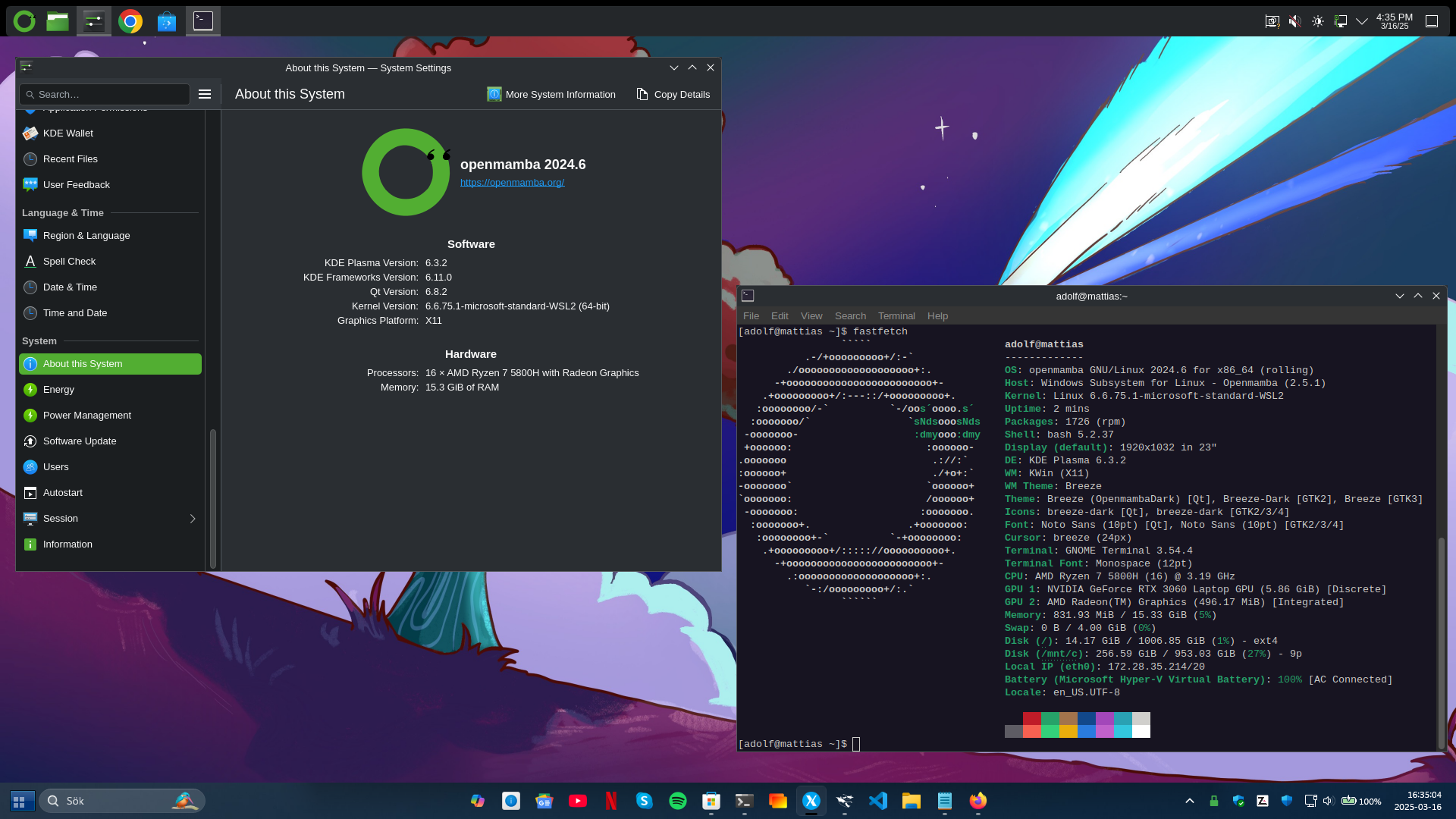
Good. User can just be added to the sysadmin group to give root permissions with sudo, adding to this group is also recommended for polkit policies.


